For internet connected smart devices that typically do not support web browsers or log in (authentication) capabilities such as: Smart TVs, streaming devices (including but not limited to: Amazon Fire TV Stick, AppleTV, Roku, Amazon Echo or Dot), gaming consoles (including but not limited to: Nintendo: Switch, Wii, Wii U, Xbox: 360, One X, One S, PlayStation 3 - PS3, PlayStation 4 - PS4, PlayStation 5 - PS5), lightbulbs, alarm clock, and cameras.
- On a separate registered device, navigate to mydevices.uindy.edu.
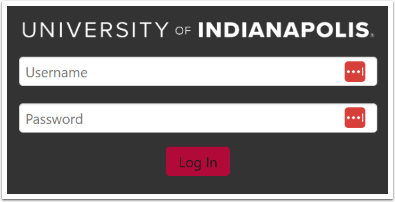
- Enter your UIndy credentials. Click the Log In button.
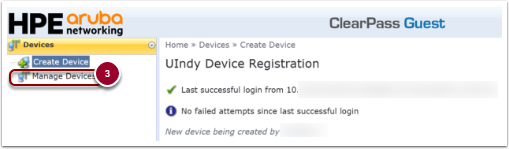
- Click on Manage Devices.
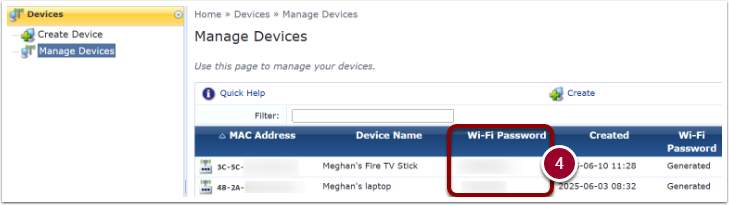
- Find the device you are needing the IoT password for, listed under WiFi password and make note of it.