UIndy IT Tech Guides

Request temporary administrator access on your UIndy-issued computer

Updated on

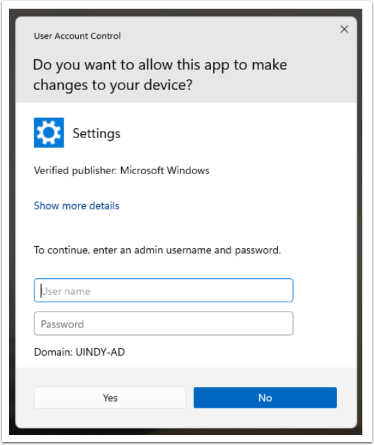
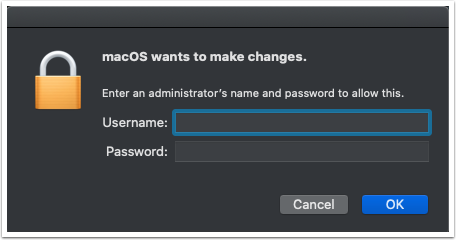
If you are attempting to make a change on your UIndy-issued computer (e.g. software installation) and are prompted for an admin username and password, similar to image below, submit an IT Help Desk ticket to request temporary admin access to make the change. Be sure to include what software you are trying to install.

Expand or collapse content Windows admin access prompt
Depicts Windows admin login page
Expand or collapse content MacOS admin access prompt
Depicts MacOS admin login page

If you find that you need to request temporary admin access frequently in order to complete routine tasks in your job, please submit an IT Help Desk ticket for further assistance.   

Previous Article Register for Sease Institute courses
Next Article Register for UIndy classes
Still Need Help? Contact Us