- Log into Euna Grants.
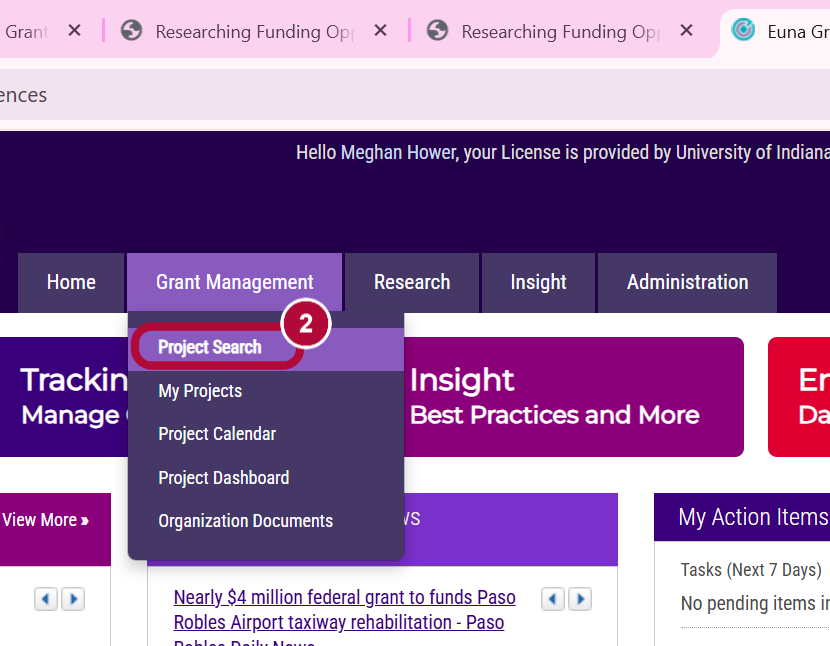
Go to Project Search under the Grant Management tab.
- Search for your project by title and select your grant from the list that is populated.
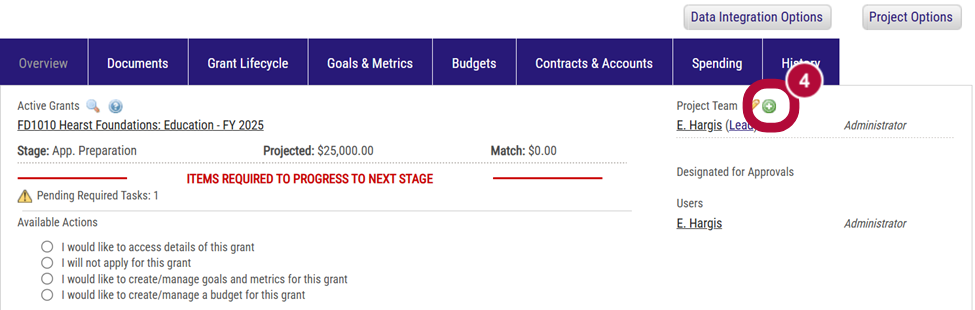
- On your project dashboard, select the green plus button under Project Team.
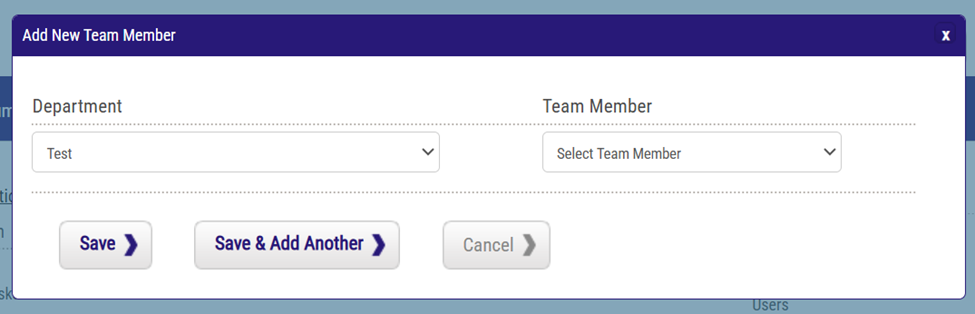
- Select the department of the individual you are adding to the project from the Department dropdown list.
- Select their name from the Team Member dropdown list.
- Click Save to return to the project dashboard or select Save & Add Another to add additional project team members.
If you add additional project team members, repeat steps 5 & 6 then Save.
- Added team members will now be listed under the Project Team section of your dashboard and will be able to access the project in the system.