IBM Cognos Analytics is a business intelligence software suite that allows creation and viewing of reports and dashboards based on external data sources (such as Banner). Cognos Analytics itself does not contain any data other than information about reports, security, etc. Cognos is accessed via a web portal, meaning that no special software other than a web browser is required.
Request Access to Cognos Analytics
You can request access to the Cognos, ODS & EDW reporting toolset my submitting a UIndy Works request.
Access Cognos
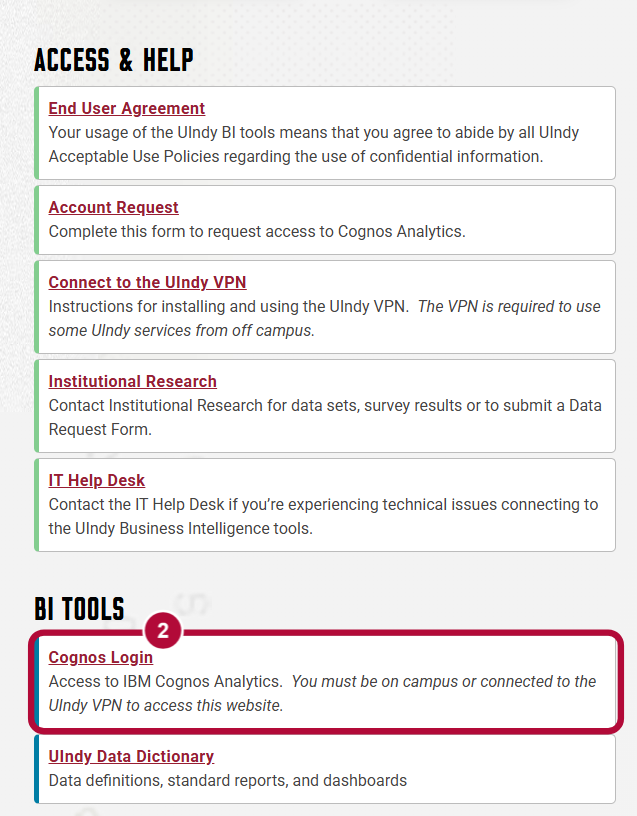
- Navigate to Business Intelligence page in My UIndy.
- Select Cognos Login.
- The UIndy VPN is required if you are accessing Cognos off campus.